Production plans
When to use
Use Plans to define what will be planted, in which beds, and on what calendar.
Pre-conditions
- Crop registered.
- Area and beds created.
- Resources registered when the crop or plan depends on inputs.
Sample data used
- Crop:
Alface Crespa Demo. - Area:
Horta Demonstracao. - Beds: set available in
Modulo A.
Step by step
List plans
- Go to
/:organizationId/planning/plan. - Check existing plans.
- Open a plan to edit or create a new one.
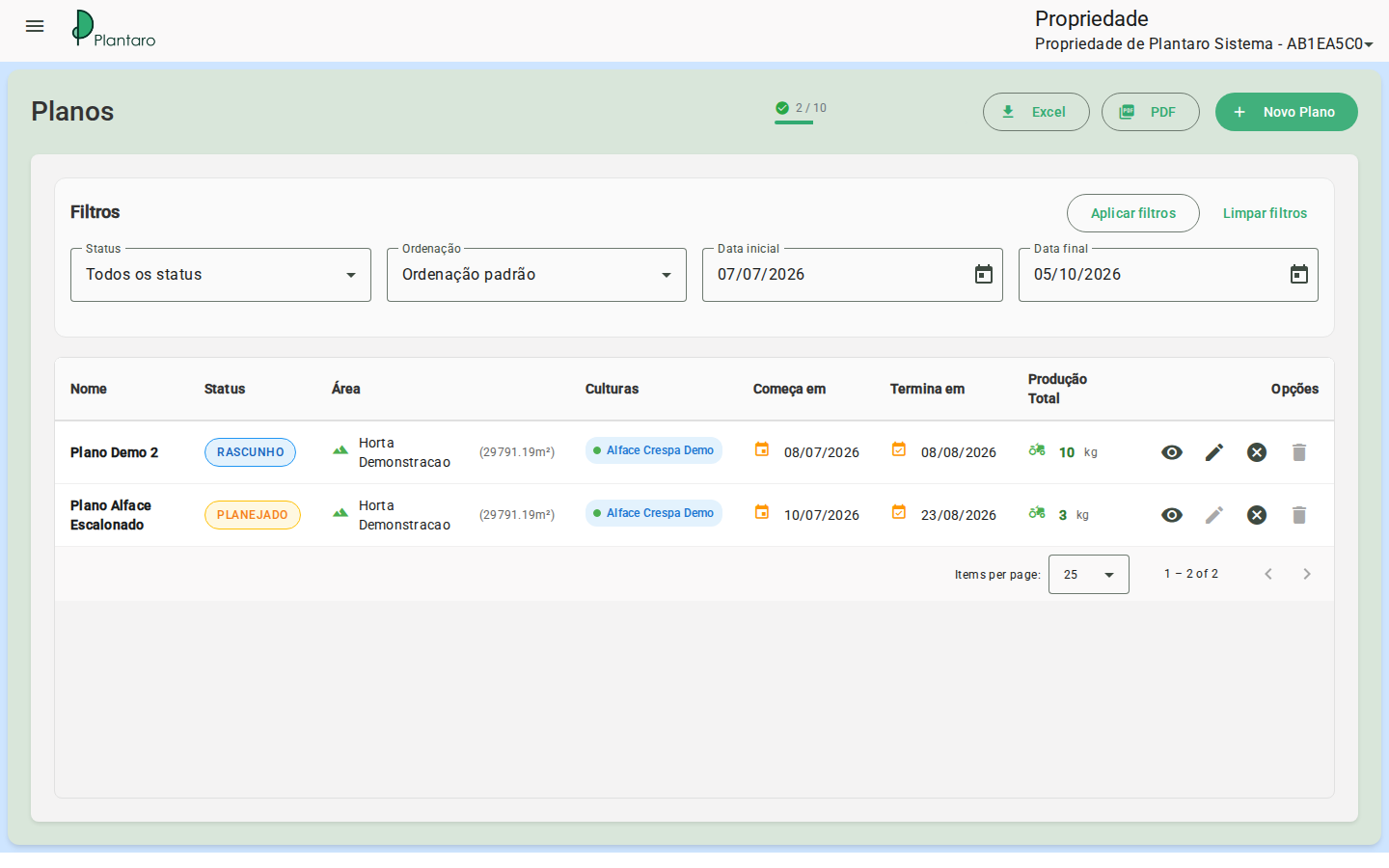
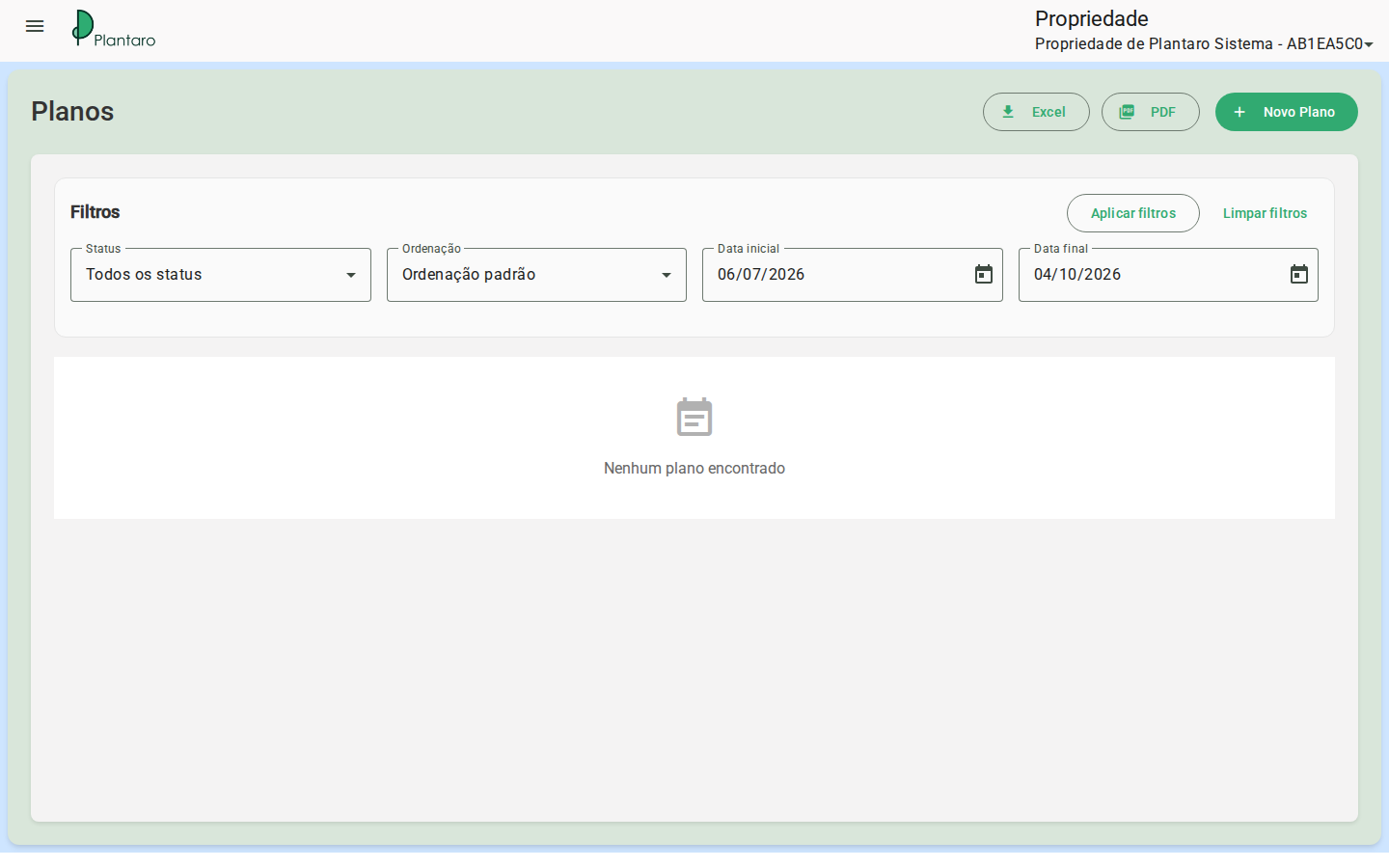
Expected result: the screen shows plans of the active organization or an empty state for first use.
Create a non-staggered plan
- Start a new plan.
- Select crop, area, and period.
- Check the non-staggered mode when the screen offers this option.
- Calculate or check the capacity.
- Allocate the beds.
- Save.
Expected result: in a non-staggered plan, all selected beds are planted at once and harvested at once.
Create a staggered plan
- Start a new plan.
- Select crop, area, and period.
- Enable staggered mode.
- Enter cycles and harvest interval as the UI requests.
- Check the bed rotation.
- Save.
Expected result: in a staggered plan, beds rotate through cycles to allow continuous harvest at intervals.
Capacity and allocation
- Check the calculated capacity before saving.
- Adjust area, beds, crop, or quantity if there is an alert.
- Validate the visual distribution across beds.
Expected result: allocation respects available beds and the selected period.
Canvas colors and states
- Green: active.
- Yellow: next cycle.
- Light blue: future.
- Red: blocked.
- Gray: available.
Edit plan
- Go to
/:organizationId/planning/plan/:id. - Review crop, area, period, mode, and allocation.
- Save.
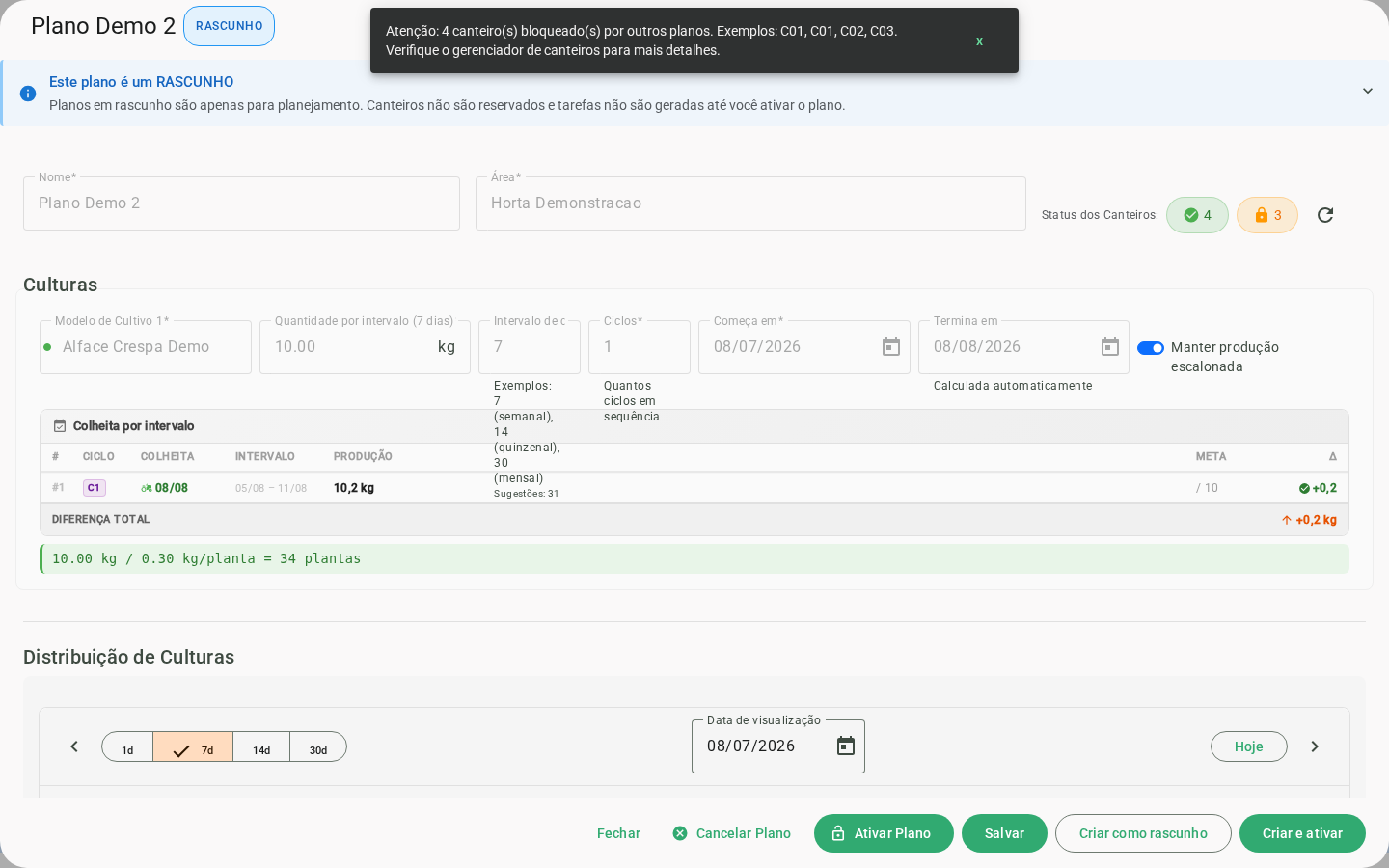
Expected result: the updated plan starts feeding tasks, the timeline, and upcoming events.
Plan status
A plan can be in draft, planned, in progress, completed, or cancelled. Editing and removal depend on the current status and business validations; cancellation may require a reason.
Errors and empty states
-
Insufficient capacity: reduce the quantity or select more beds.
-
Blocked bed: choose another bed or change the period.
-
Insufficient stock: review resources and balance before running the plan.
-
Empty plan list: happens in new organizations, before the first registration.