Access and account
When to use
Use this page to sign in to Plantaro, create an account, check the terms, and start password recovery.
Pre-conditions
- Access
https://sandbox.plantaro.com.brfor sandbox validation, or the operational domain provided by the team. - Have a valid credential when you need to enter an authenticated area.
Sample data used
- Demo email: use only an authorized sandbox account.
- Password: never record a password in the guide, the manifest, or screenshots.
Step by step
Public home
- Go to
/. - Check Plantaro's public presentation.
- Use the available links for login, signup, or terms.

Expected result: the home page opens without requiring an active organization.
Login
- Go to
/login. - Enter the email and password of the authorized sandbox account.
- Submit the form.
- If the credential is correct, select or confirm the organization and proceed to the dashboard.
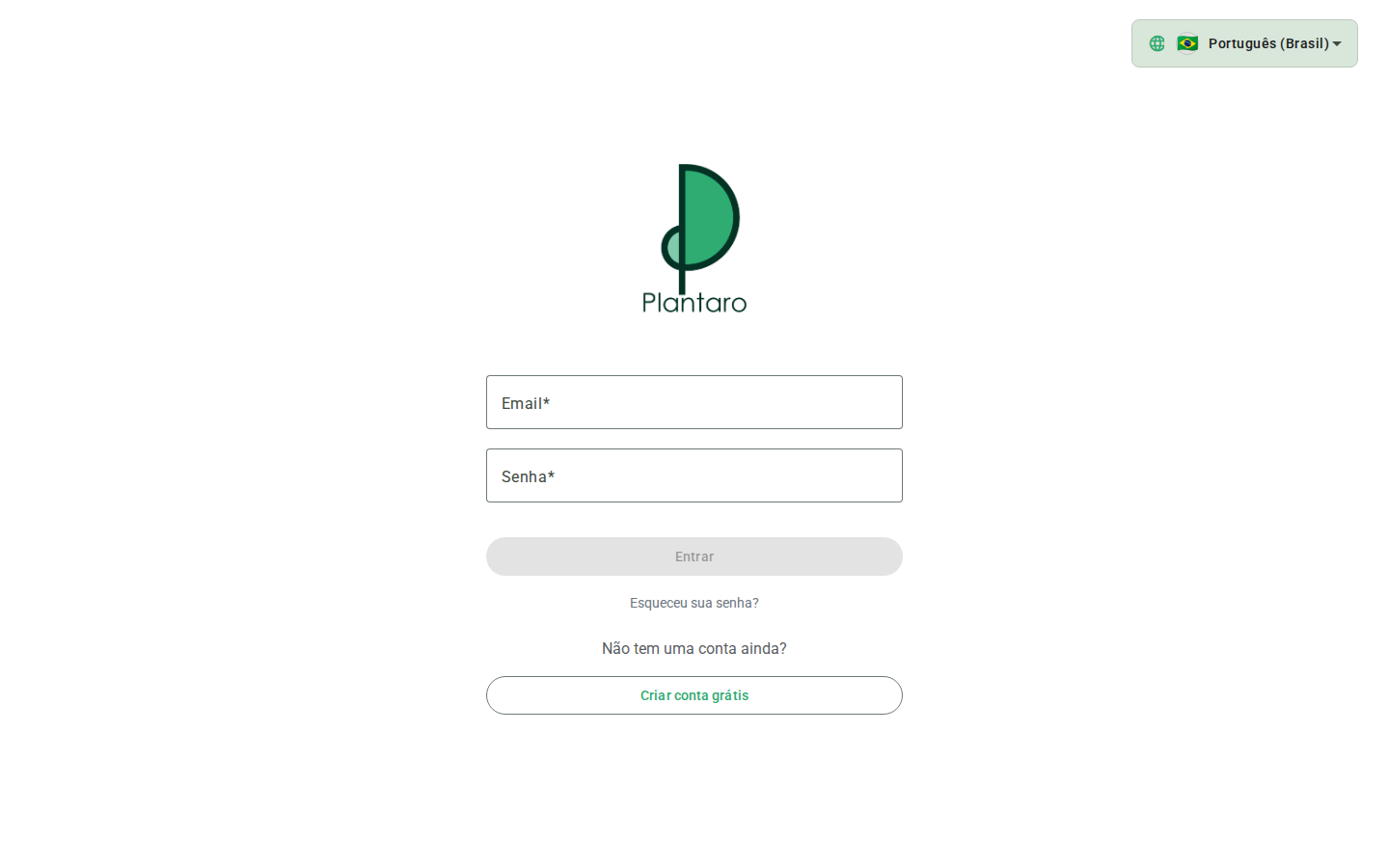
Expected result: the system enters the authenticated area with a URL in the format /:organizationId/dashboard.
Error state: an invalid credential should keep the user on the login screen and show a failure message. Do not attempt to reset the password of a shared account without authorization.
Signup
- Go to
/signup. - Fill in only fictitious data in an authorized sandbox environment.
- Review the terms and policies before submitting.
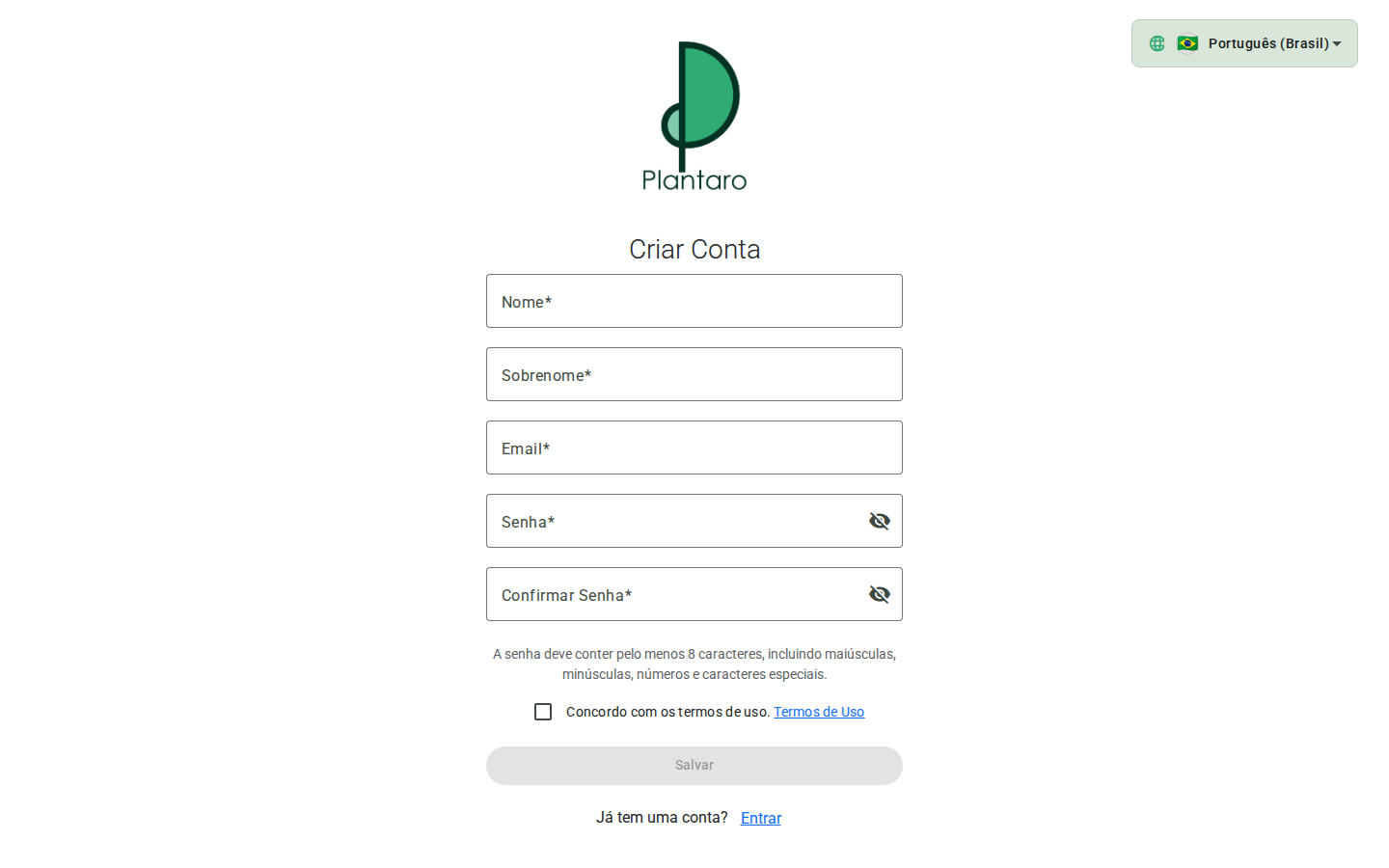
Expected result: the account and the initial organization are created when signup is enabled.
Terms
- Go to
/terms. - Read the presented conditions.
- Return to the signup or login flow.
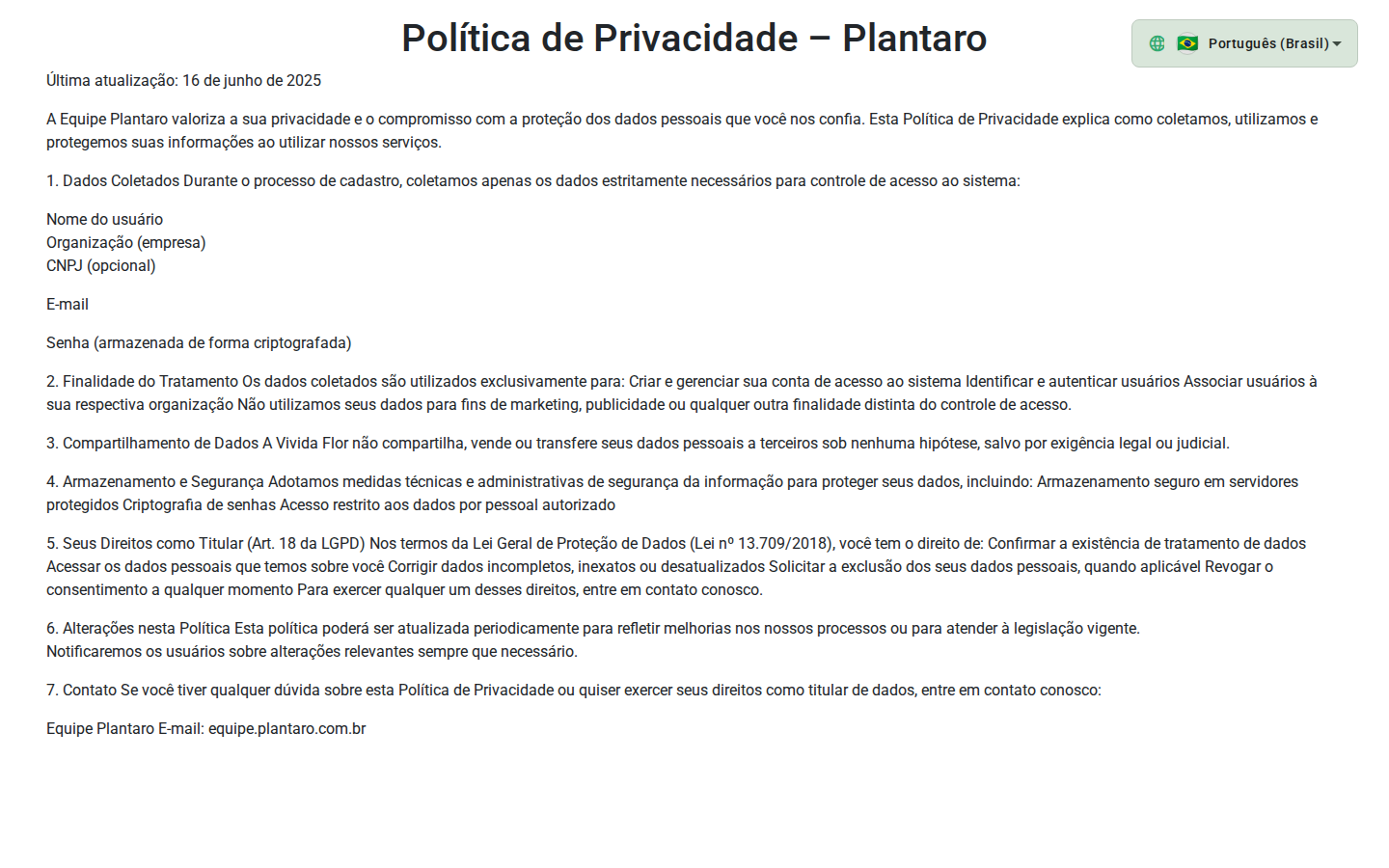
Expected result: the terms are accessible without authentication.
Password recovery
- Go to
/password-reset. - Enter the email of the account that needs to recover access.
- Use
/password-reset/validateonly with a token received through the official flow. - Use
/password-reset/confirmto set a new password once the token is valid.
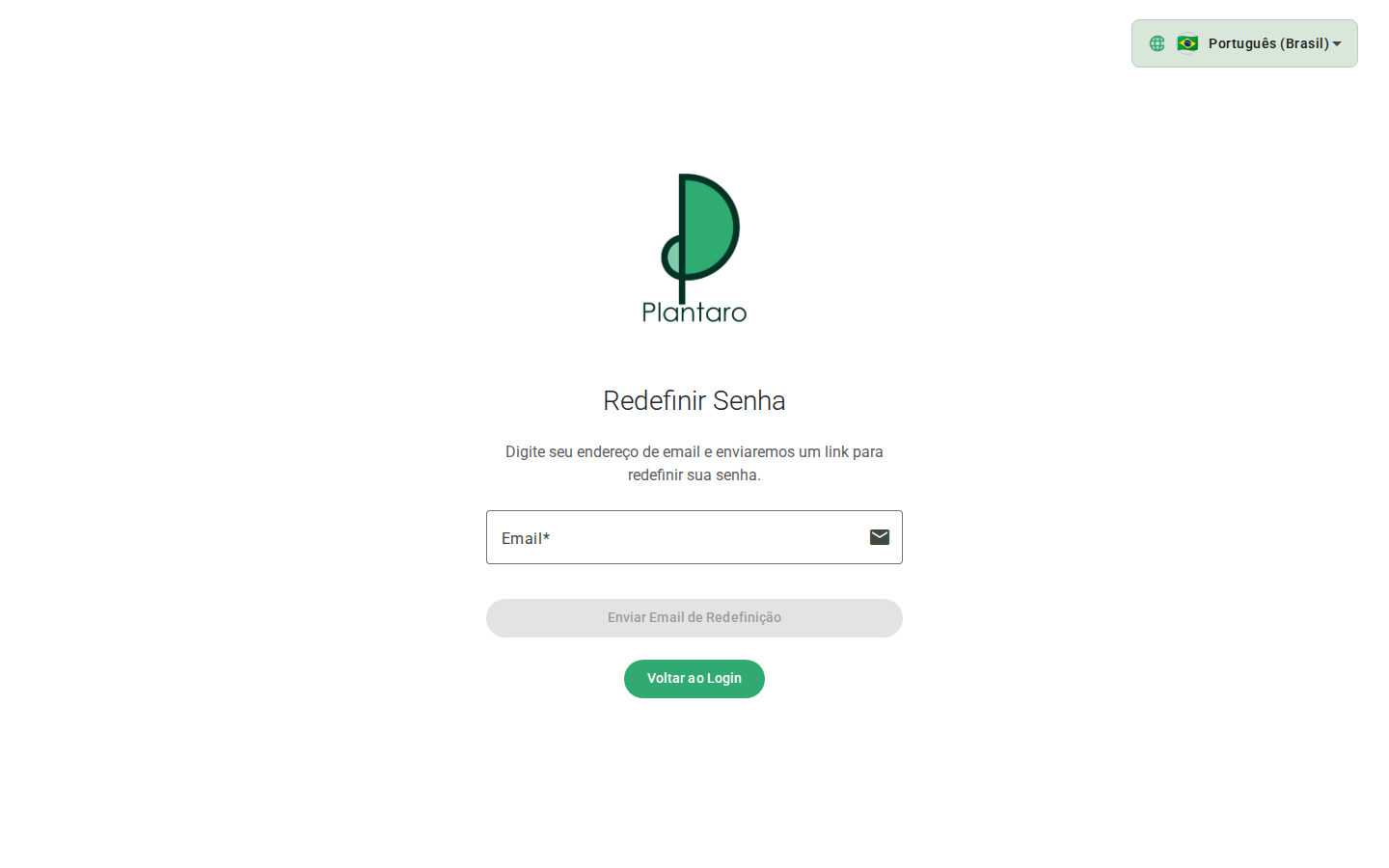
Expected result: the password is changed only after a valid token. Tokens must never appear in documents or screenshots.
Errors and empty states
- Invalid credential: the login screen shows an error message and lets you try again.
- Missing or invalid token: the password recovery link stops working; request a new one at
/password-reset. - Signup disabled: contact Plantaro support.