Resources and stock
When to use
Use Resources to register materials, categories, suppliers, stock, and transactions used by the operation.
Pre-conditions
- Logged in.
- Organization selected.
- Permission to manage resources.
Sample data used
- Category:
Insumos Demo. - Supplier:
Fornecedor Demo. - Material:
Substrato Demo.
Step by step
Categories
- Go to
/:organizationId/resources/categories. - Create a category before registering materials.
- Save.
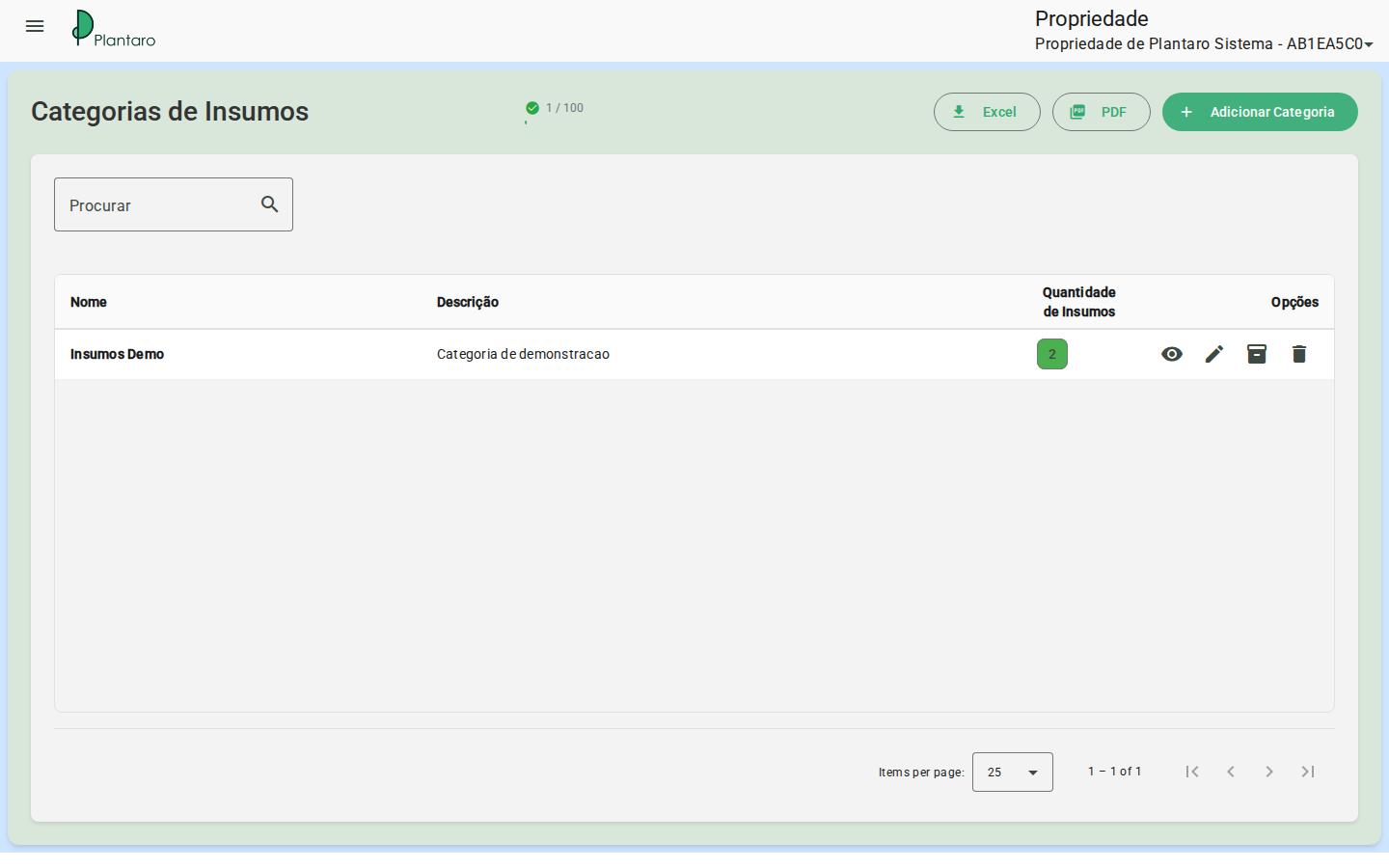
Expected result: the category appears as an option in the resource registration.
Suppliers
- Go to
/:organizationId/resources/suppliers. - Register a fictitious supplier in the sandbox.
- Save.
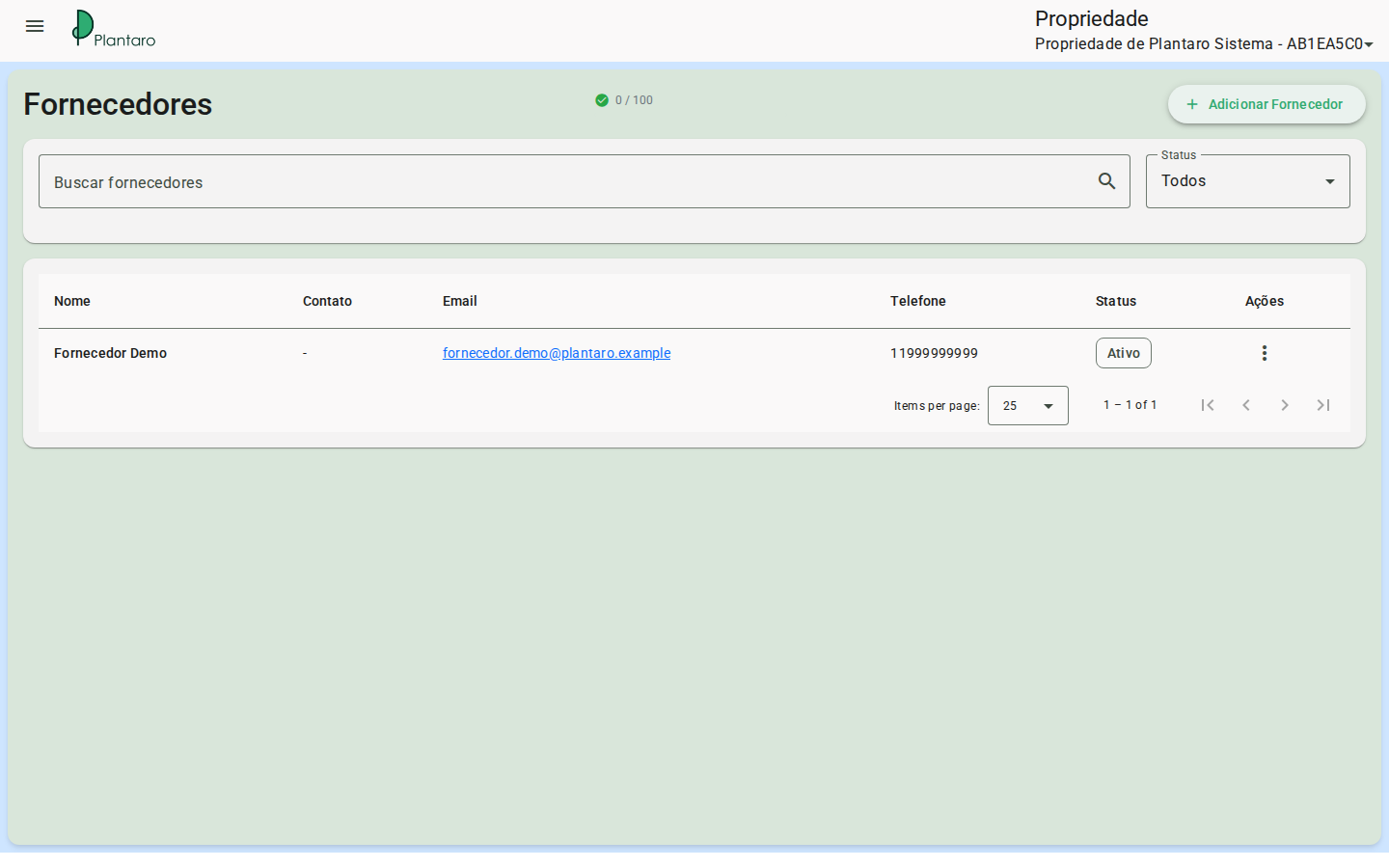
Expected result: the supplier becomes available for linking to materials.
Materials
- Go to
/:organizationId/resources/list. - Create a material or resource.
- Link category and supplier when the fields exist.
- Save and review the listing.
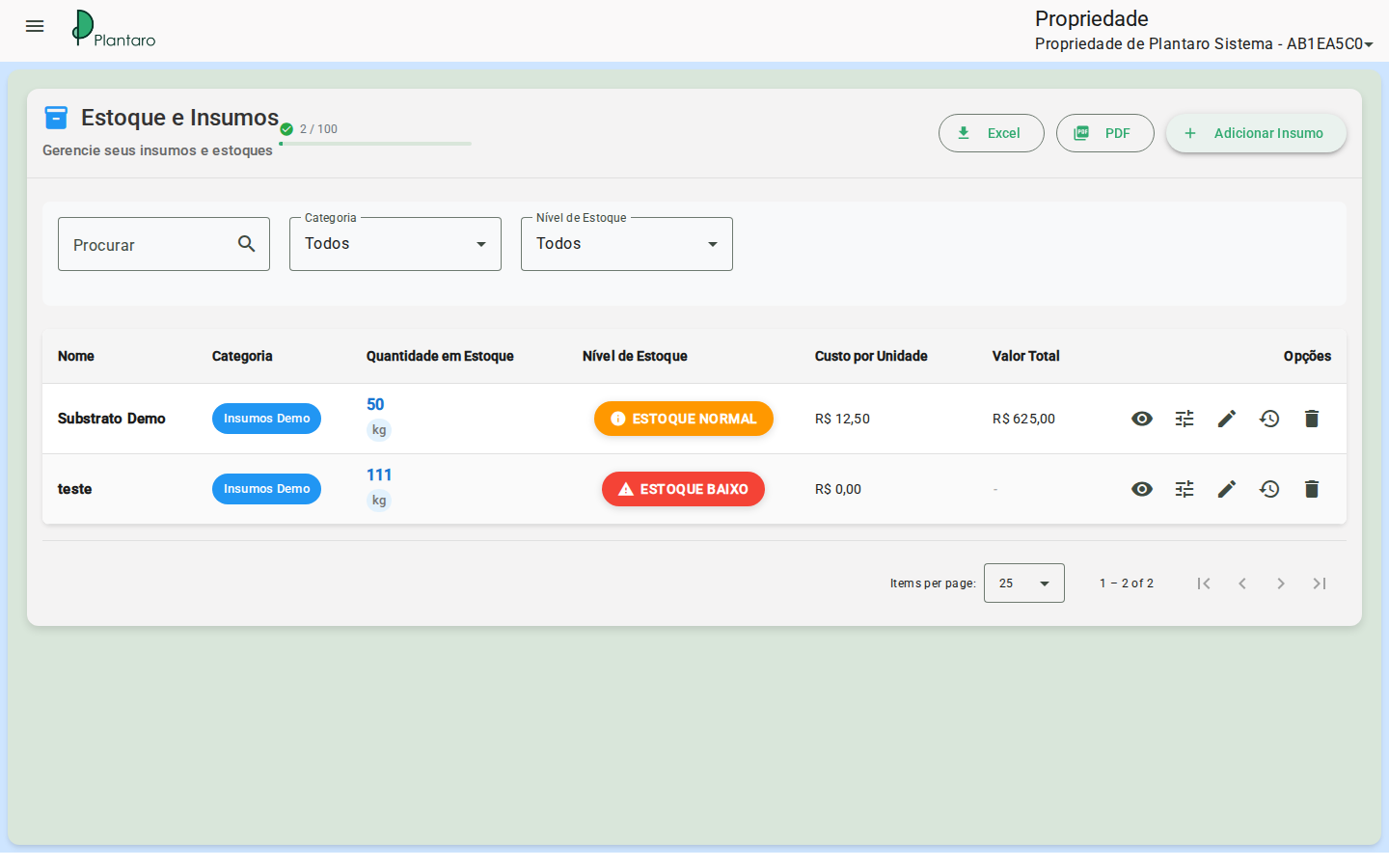
Expected result: the material becomes available for stock, transactions, and association with crops.
Stock
- Open the material in the resource list.
- Enter initial stock or adjust stock as the screen allows.
- Correctly record unit and quantity.
Expected result: the material's balance is updated.
Material registration also defines minimum and maximum stock, cost per unit, and whether the resource allows negative stock.
Transactions
- Go to
/:organizationId/resources/transactions. - Check inflows, outflows, and adjustments.
- Filter by material or period when available.
Each transaction has type IN (inflow), OUT (outflow), or XFR (transfer/adjustment), plus quantity, unit cost, and total cost.
Expected result: transactions explain the stock's evolution.
Shortage forecast
- Go to
/:organizationId/resources/shortage-forecast. - Check materials at risk of shortage.
- Use the data to plan purchases or stock adjustments.
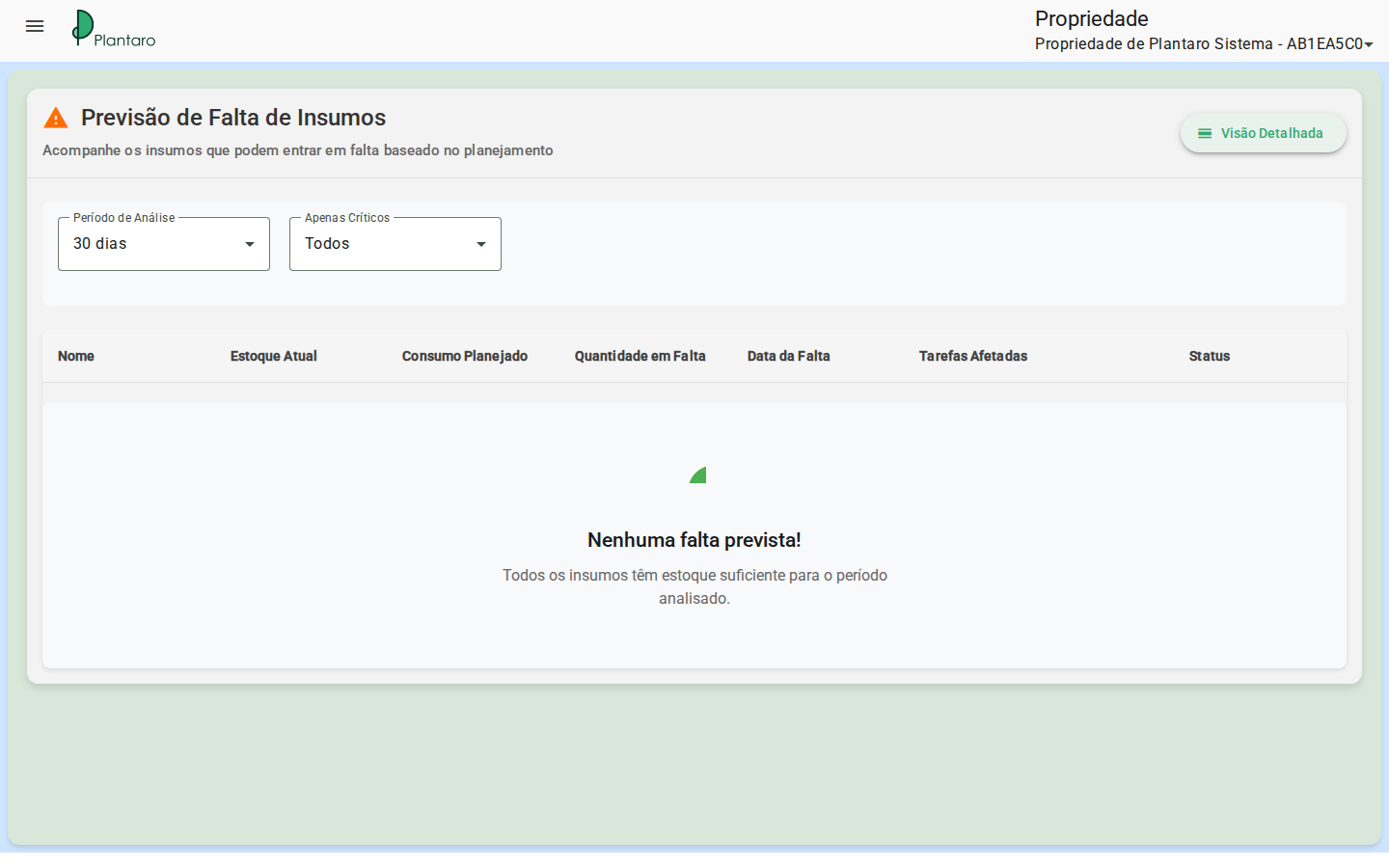
Expected result: the forecast helps anticipate input shortages.
Detailed consumption
- Go to
/:organizationId/resources/detailed-consumption. - Check consumption by resource, period, or plan when filters exist.
- Compare consumption against plans and tasks.
Expected result: detailed consumption shows where materials were used.
Errors and empty states
-
Empty list: create a category and a supplier before a material.
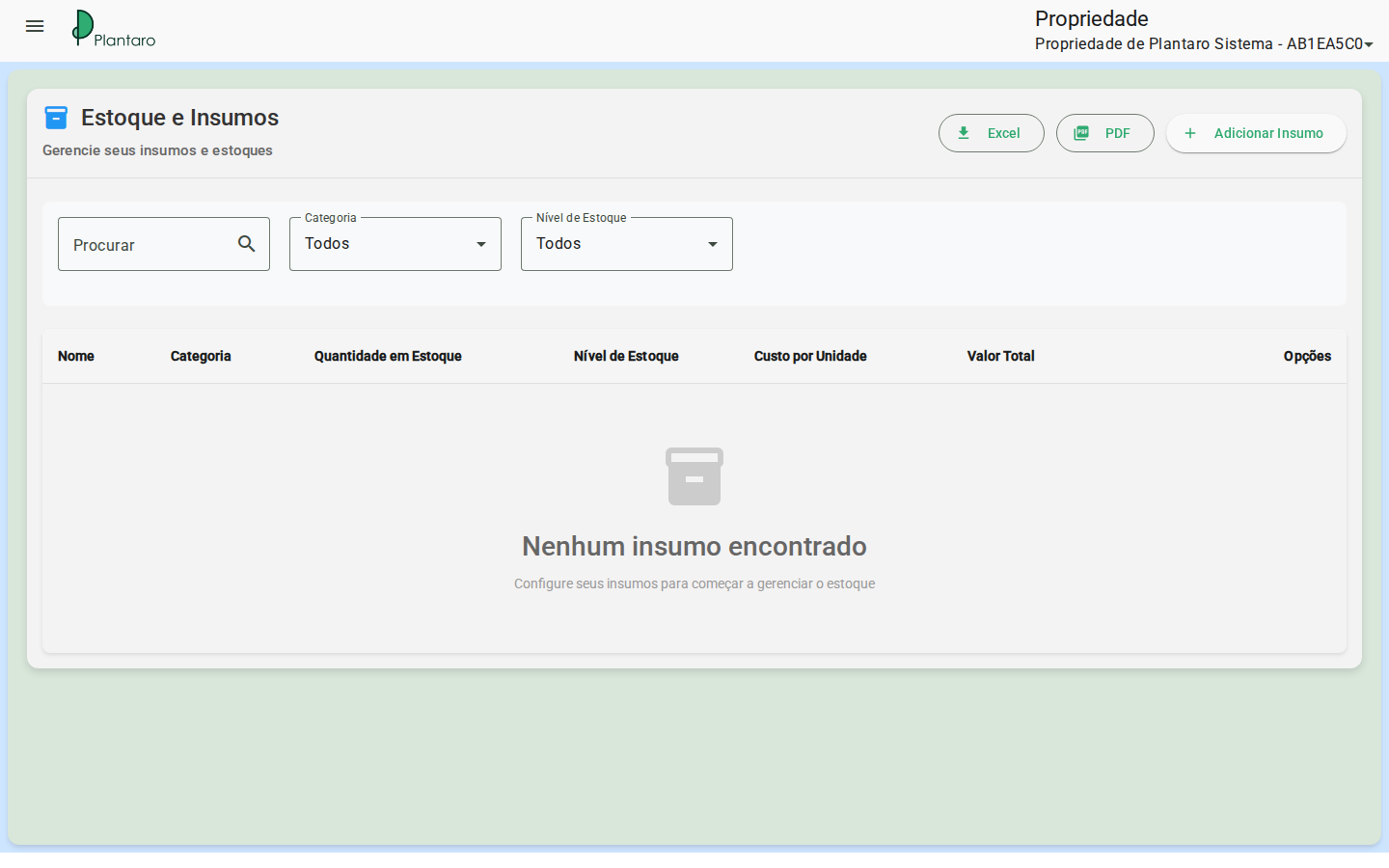
-
Insufficient stock: review balance, unit, and related plan.